Upload your marketing collateral here. Use portrait and landscape versions, allowing agents to easily switch between Web and Printable presentations.
Adding a New Company Page (Custom Page)
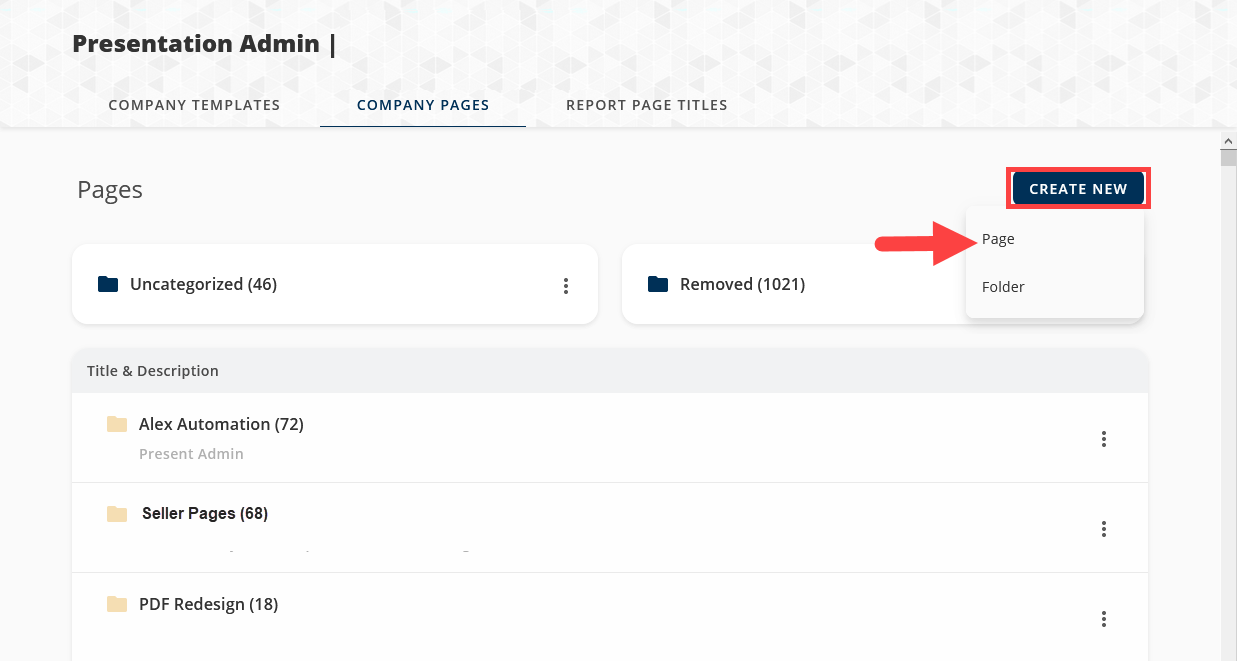
1. From the Pages tab in the Presentation Admin, select the Create New button and choose Page (See below).
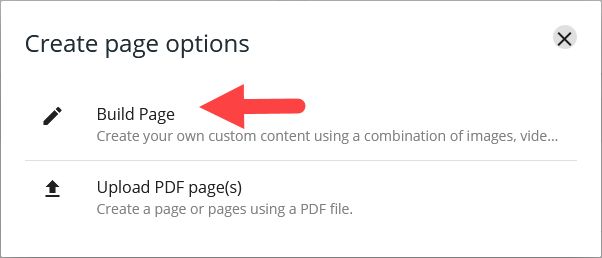
2. Select Build Page (See below).
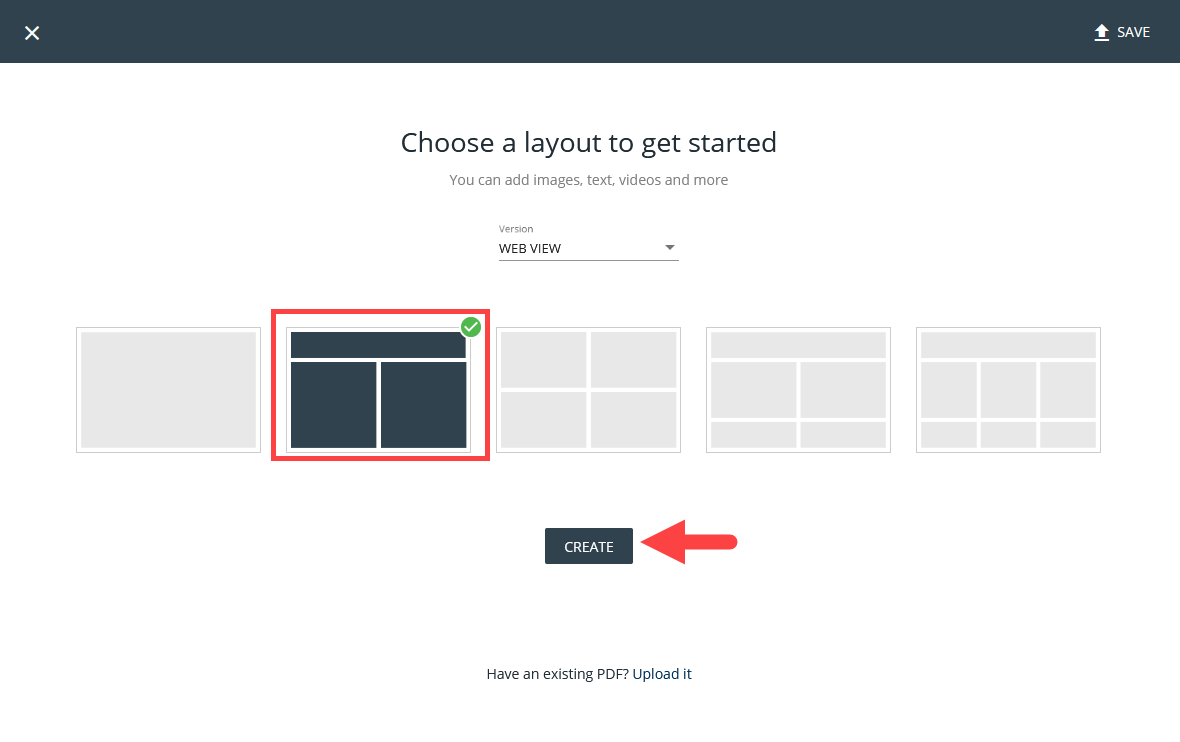
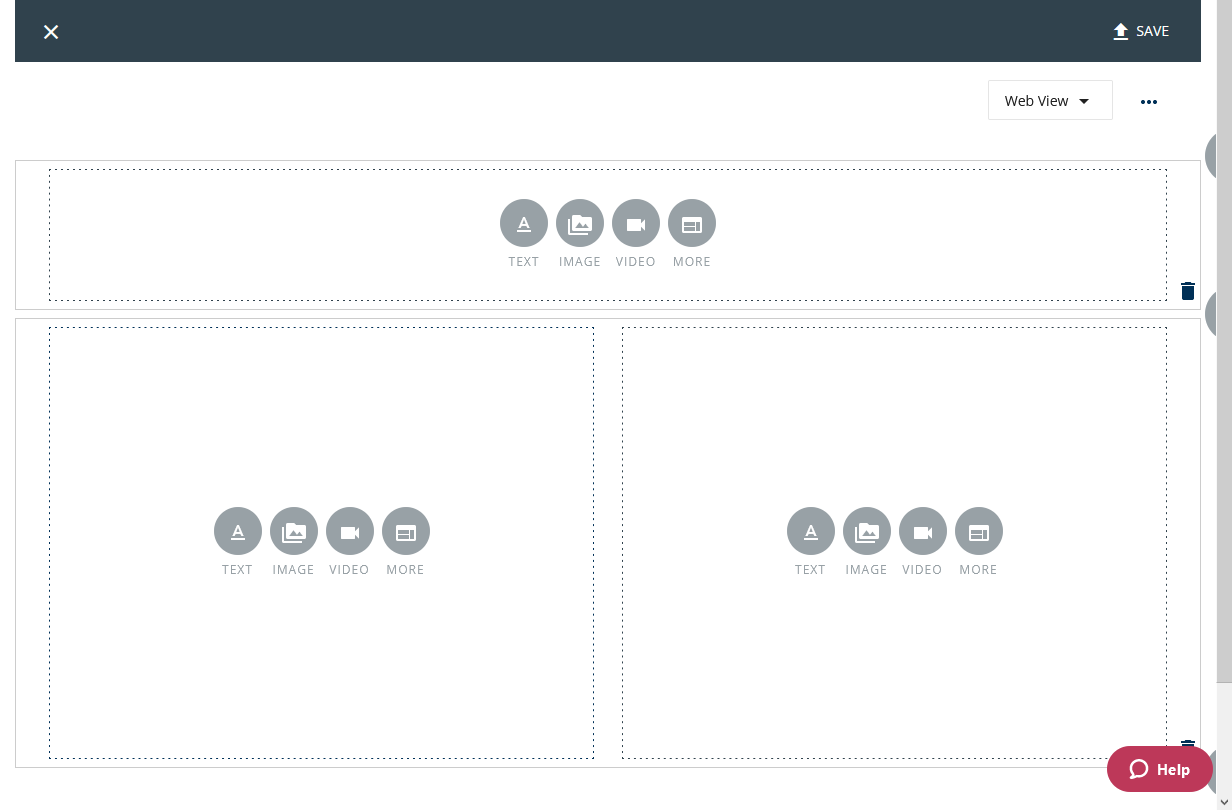
3. This will take you to the custom page builder which you can create custom pages that include images, videos, and links (see below).
If you need more description on creating Custom Pages please check out Adding Media to Your Presentations.
Have a PDF you would like to upload instead? Check out Uploading a PDF Company Page!
- AddingaNewOnesheet.pdf500 KB
Comments
0 comments
Article is closed for comments.