To export your contacts from MoxiImpress:
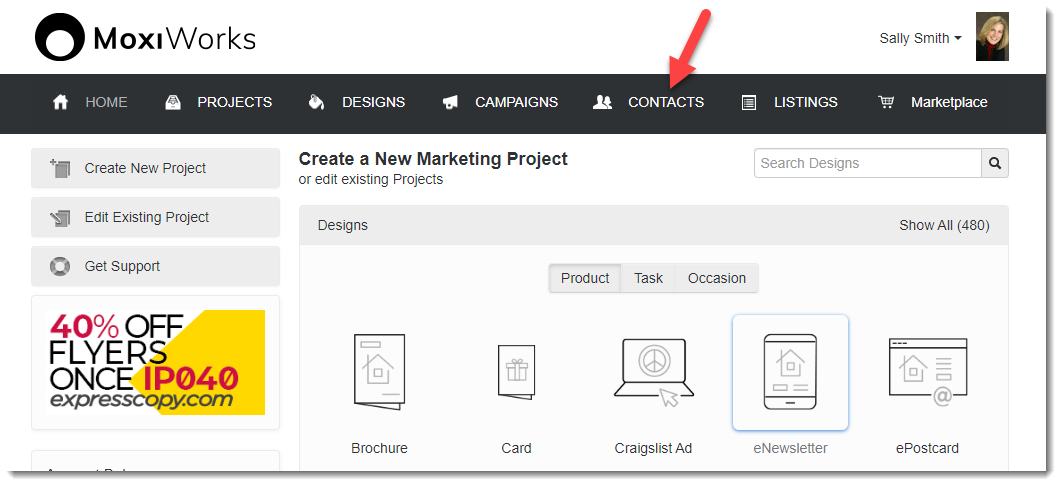
- Navigate to the Contacts tab.
- Click the Actions dropdown menu and find Export All Contacts.
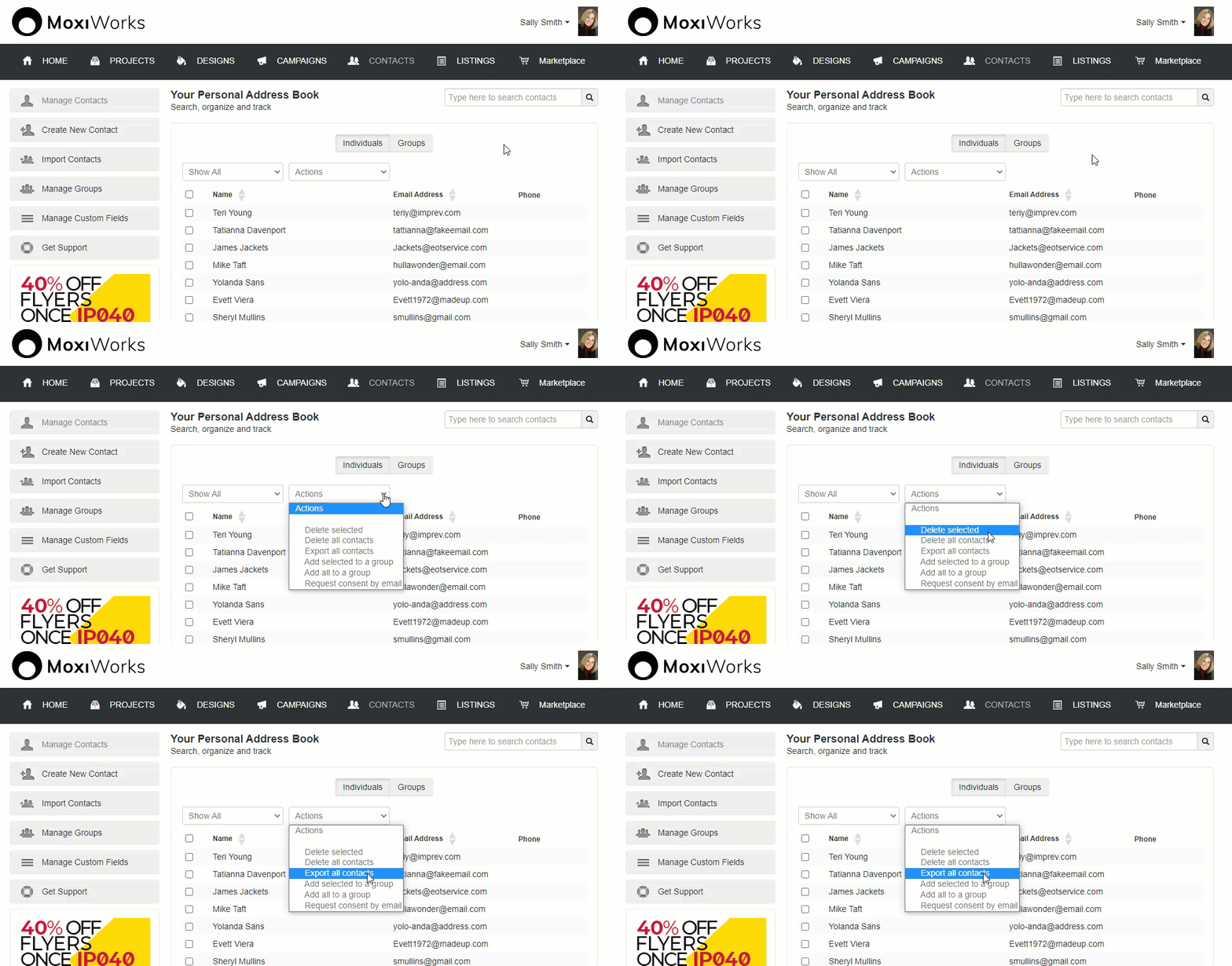
Your contacts download in an Excel file.
To export your contacts from MoxiImpress:
Your contacts download in an Excel file.
<%= Util.getExcerpt(article.body, 41) %>
<% } %><%= block.description %>
<% } %><%= block.description %>
<% } %>
Comments
0 comments
Please sign in to leave a comment.