Hidden pages are a feature in MoxiWebsites that allow you to create content for your site without adding to your navigation. Hidden pages can be accessed directly by their link from a blog post, custom page, or social media post. This keeps your site looking neat and tidy while still providing great content to your sites visitors.
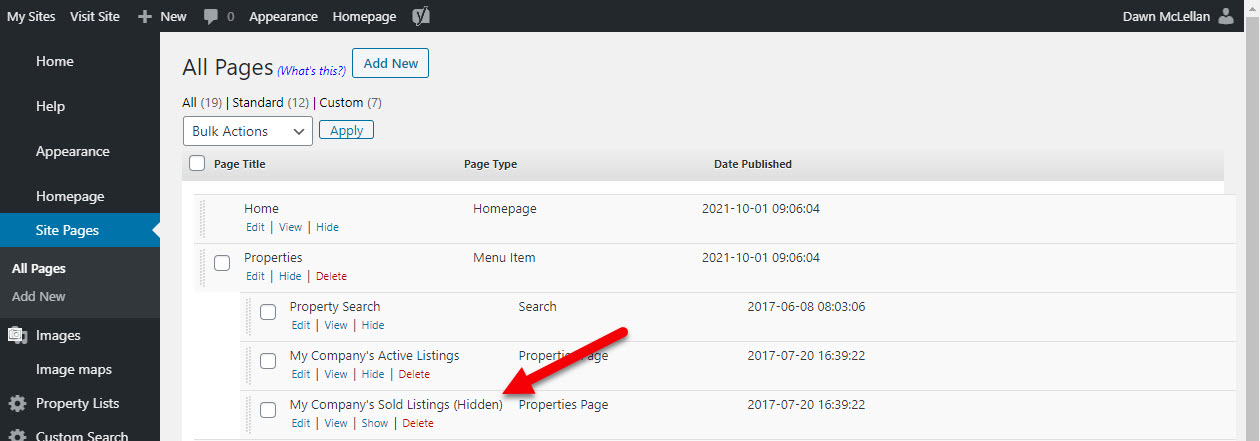
You many notice that many pages provided with your site are automatically designated as Hidden (see below)
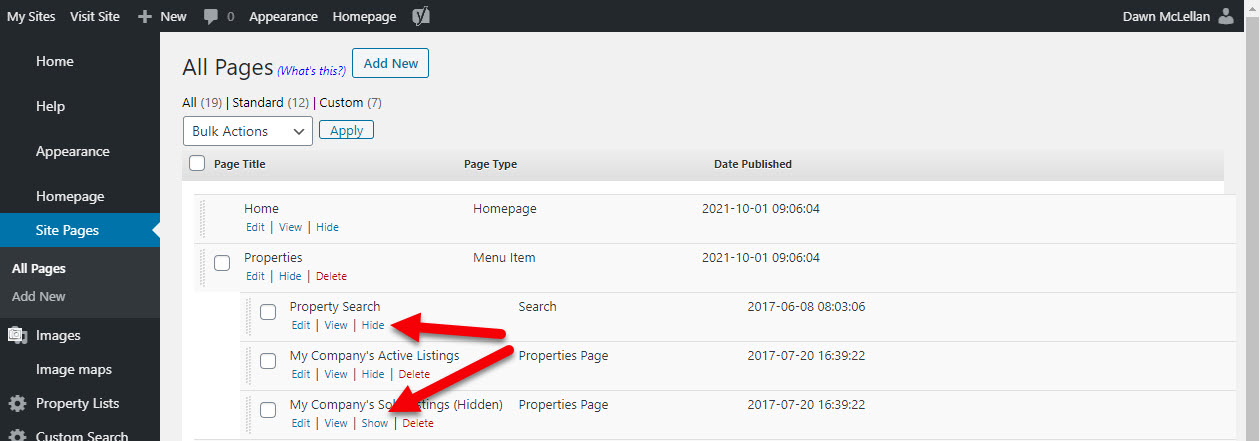
You can chose to display these in your navigation by selecting Show. You can also choose to hide any page by selecting Hide (see below).
Be sure to choose Publish in the bottom right corner for the changes to take effect.

Comments
0 comments
Please sign in to leave a comment.