To revoke permission/unlink your Marketing Center account from your YouTube account:
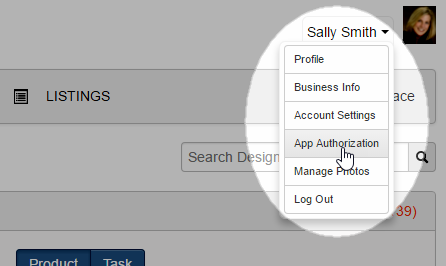
- Click on your name in the upper-right of any page in the Marketing Center.
- Click on App Authorization in the resulting menu:
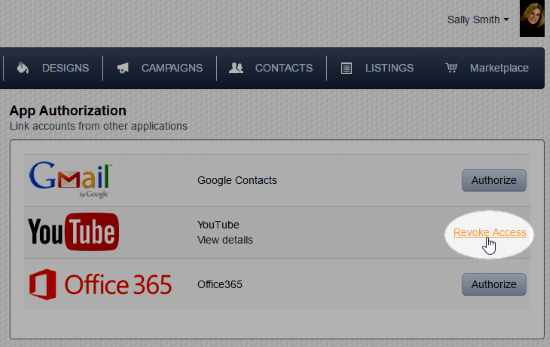
- Click the Revoke Access link on the row for YouTube:
At the top of the page you see a green message box with the phrase "Success! Access to youtube revoked", and the "Authorize" button will be visible again: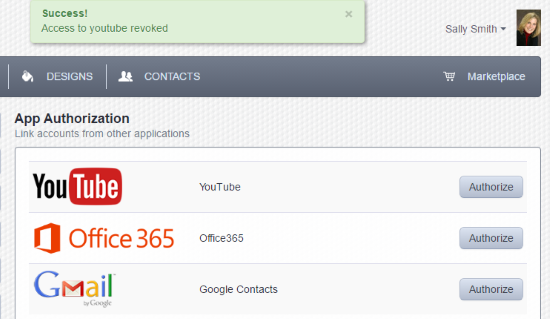
Comments
0 comments
Please sign in to leave a comment.