To make changes to an existing contact already in your address book:
- Click on Contacts in the main menu.
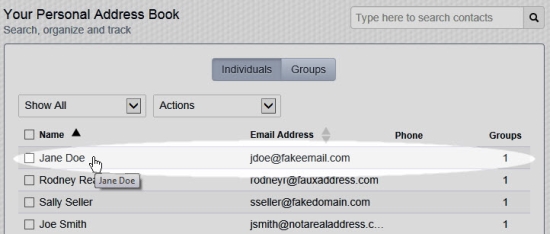
- Locate the contact to be changed by browsing the list or by searching for it using the search field near the upper-right of the page.
- Click on the contact to open the edit page for the contact.
- Make the desired changes to the contact, then click the Save button.
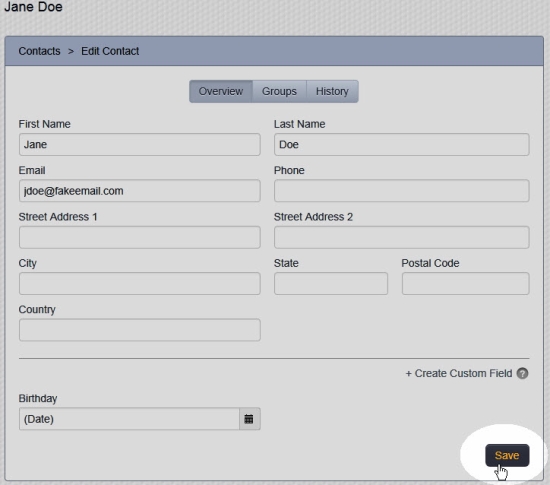
- See the message near the top of the screen confirming that the changes have been saved.
- Click on Contacts on the main menu at the top of the page to return to the main page for your Address Book.
Comments
0 comments
Please sign in to leave a comment.