To import contacts from your Office 365 account:
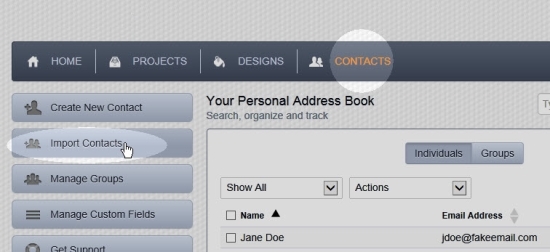
- Click on Contacts in the main menu.
- Click on the Import Contacts button in the left column of the page.
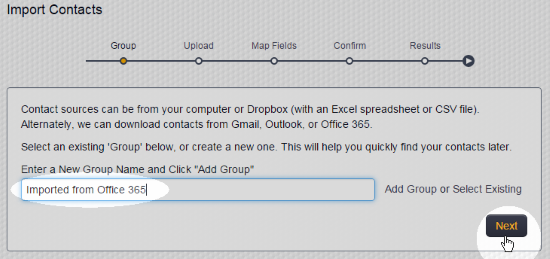
- Enter a new group name and click Add Group or click Select Existing and select an existing group name from the resulting menu. Then click the Next button.
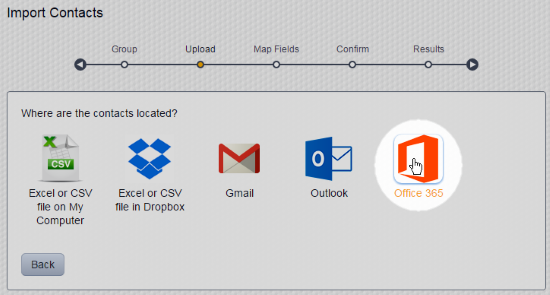
- Click the Office 365 icon:
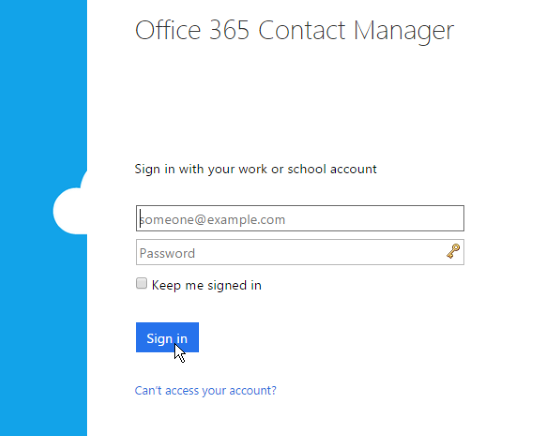
- Type your Office 365 account email address and password, then click the Sign In button:
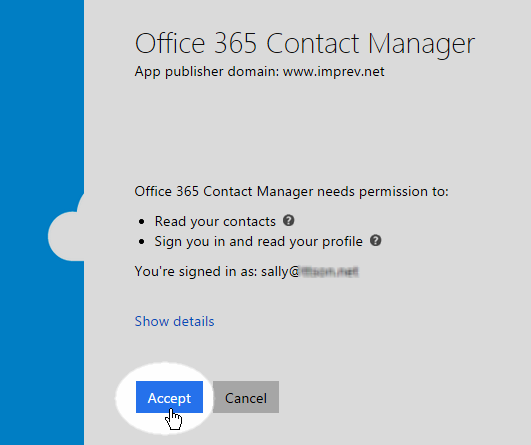
- Allow the Marketing Center to access your Office 365 contacts by clicking the Accept button:
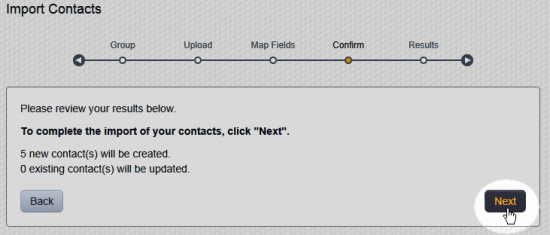
- See the summary of the pending import after a brief delay while we contact the Office 365 servers. Click the Next button to proceed with the import:
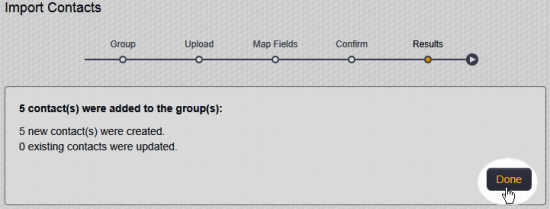
- View the summary of the imported contacts. Click the Done button:
You are taken to the Address Book, with the newly imported group of contacts displayed: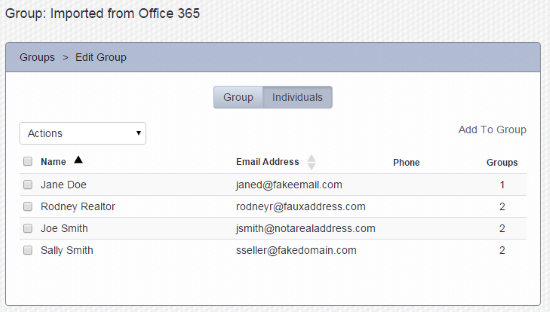
Comments
0 comments
Please sign in to leave a comment.