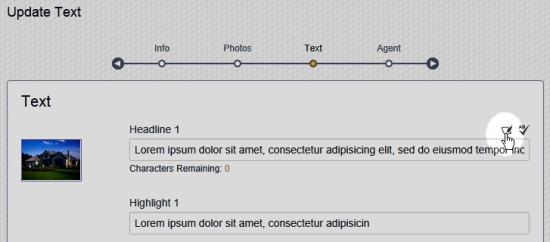
The Phrase Assistant button is above the top-right corner of each text field while editing a project.
Hover your mouse cursor over a text field to make the Phrase Assistant button visible. The Phrase Assistant button looks like a piece of paper with a quill. Click on it to launch the Phrase Assistant.
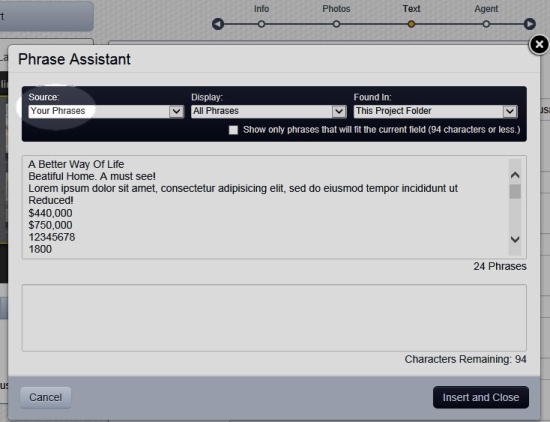
The Your Phrases option on the Source menu contains all phrases you entered into projects in the past.
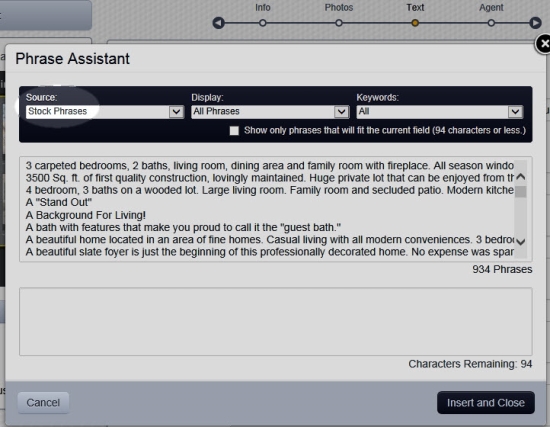
The Stock Phrases option on the Source menu contains royalty-free pre-written phrases for you to select from.
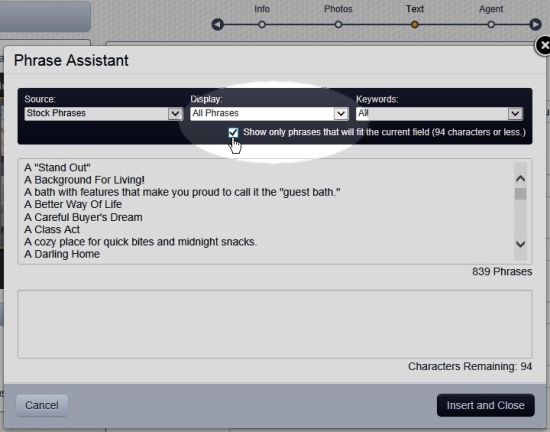
Check the box for the option to Show only phrases that will fit the current field to hide phrases that will not fit the current field.
Comments
0 comments
Please sign in to leave a comment.