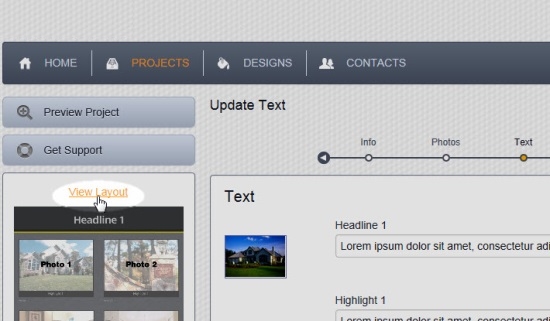
When creating a new project, or editing an existing project, you will see a layout image in the left column which shows where each photo and text field will appear in the finished product.
If the text in the image in the left column is too small to see, click View Layout above the image to see a larger version of it.
Comments
0 comments
Please sign in to leave a comment.