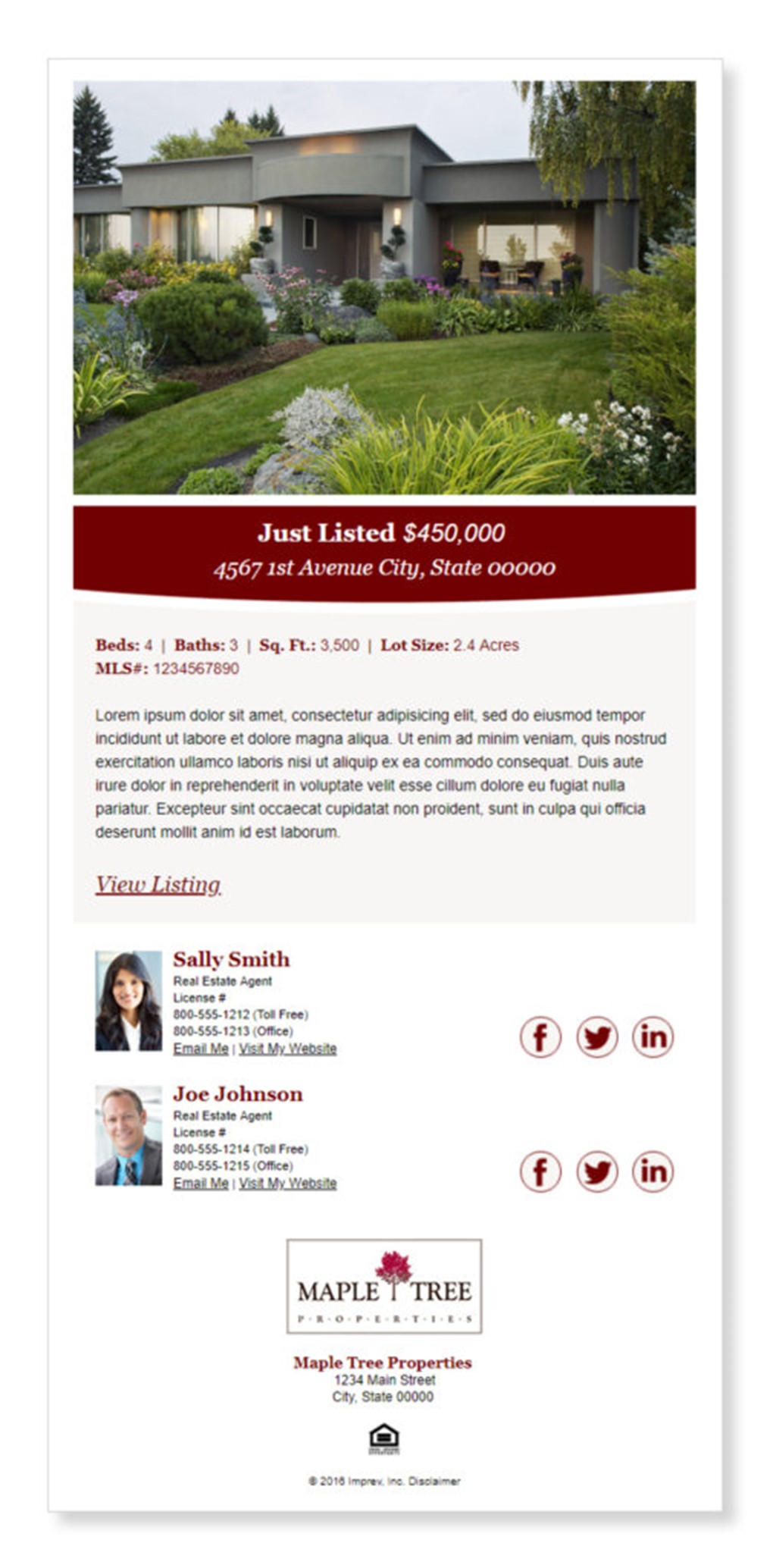
Preferred File Type*
- Photoshop, Packaged with fonts and all links
Additional Accepted File Types*
- InDesign
- JPG
- *Packaged with fonts and all links
Maximum File Size
Width: 600 pixels Length: Variable
Design Notes
Fonts
- If using a Google or uncommon font, web safe fonts are required as a fall-back option
- Example of web-safe fonts: Gotham, Helvetica, Arial, San Serif
Layout
- Single or double column is best
- Contact information: If a standard email address or website URL does not fit in the provided space, we’ll make them a link
- Example: Send Me an Email, Visit My Website
- Output will be mobile-friendly
Not Supported
- Layered images or text boxes
- Text over variable images
- Adjustable font sizes
MoxiImpress Design Center Campaigns
You can request a custom series of ePostcards or eNewsletters in the Campaign Manager, which allows an agent to nurture their database easily by “setting it and forgetting it.”
Interested in creating a custom campaign? Please include the following information in your project description when you submit via the Intake Form.
- Name for the campaign
- A 150px x 150px “thumbnail image” that will show up in the MoxiImpress Design Center Campaign Manager
- Whether or not a notification to the agent is required prior to the email send
- If yes, how many days prior to the send should the notification be sent?
- Number of ePostcards/eNewsletters and each send date (or cadence: e.g. every 3 weeks)
- Email subject for each send
Note: We can send you a spreadsheet for you to fill out when you send us your request
“To request a custom design, please fill out the Creative Intake Form.”
Comments
0 comments
Please sign in to leave a comment.