Adding admin users to an Office Group allows additional people to have access to the Office website and account.
- From manage company, choose office groups
- Select Manage
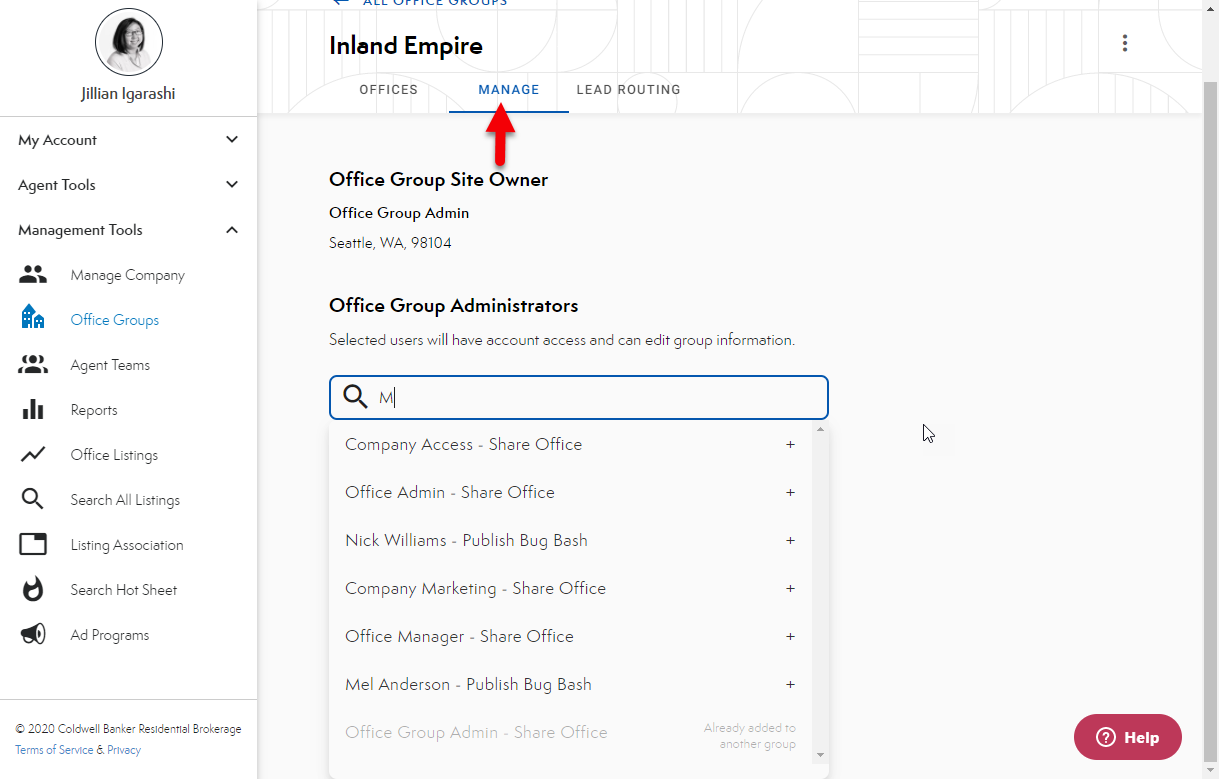
- Search for the users name
- NOTE: user must belong to one of the offices already included in the office group
- Select user and they will automatically be added.
Comments
0 comments
Please sign in to leave a comment.