Each Sales Flow zone is a milestone for an individual person’s progress towards a successful transaction. You can edit details or add notes at any time for each part of your transaction.
Editing Transaction Details
1. On your client’s transaction page, select Details. This tab will only appear once the client has been moved to the Prospects section or further.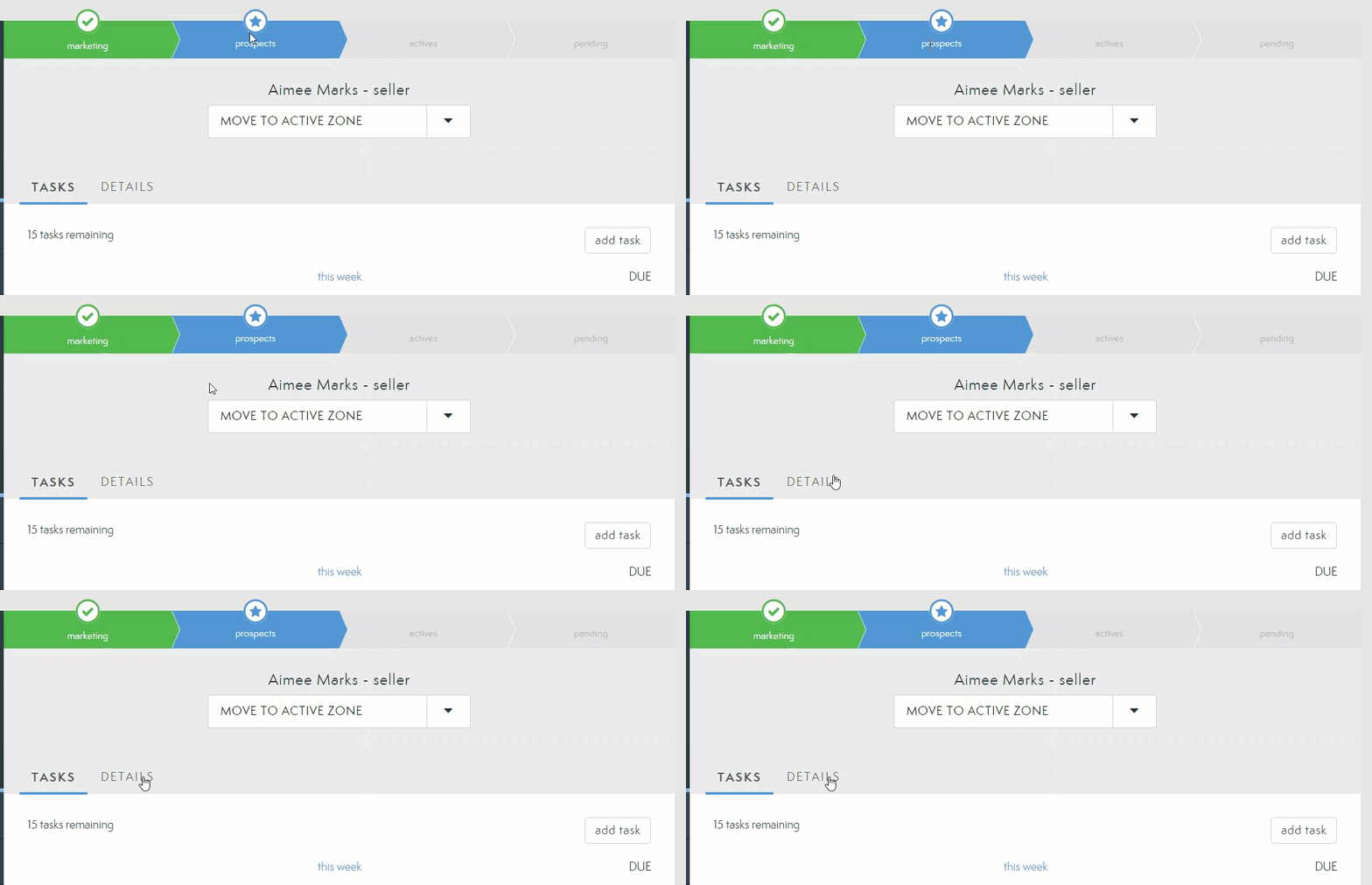
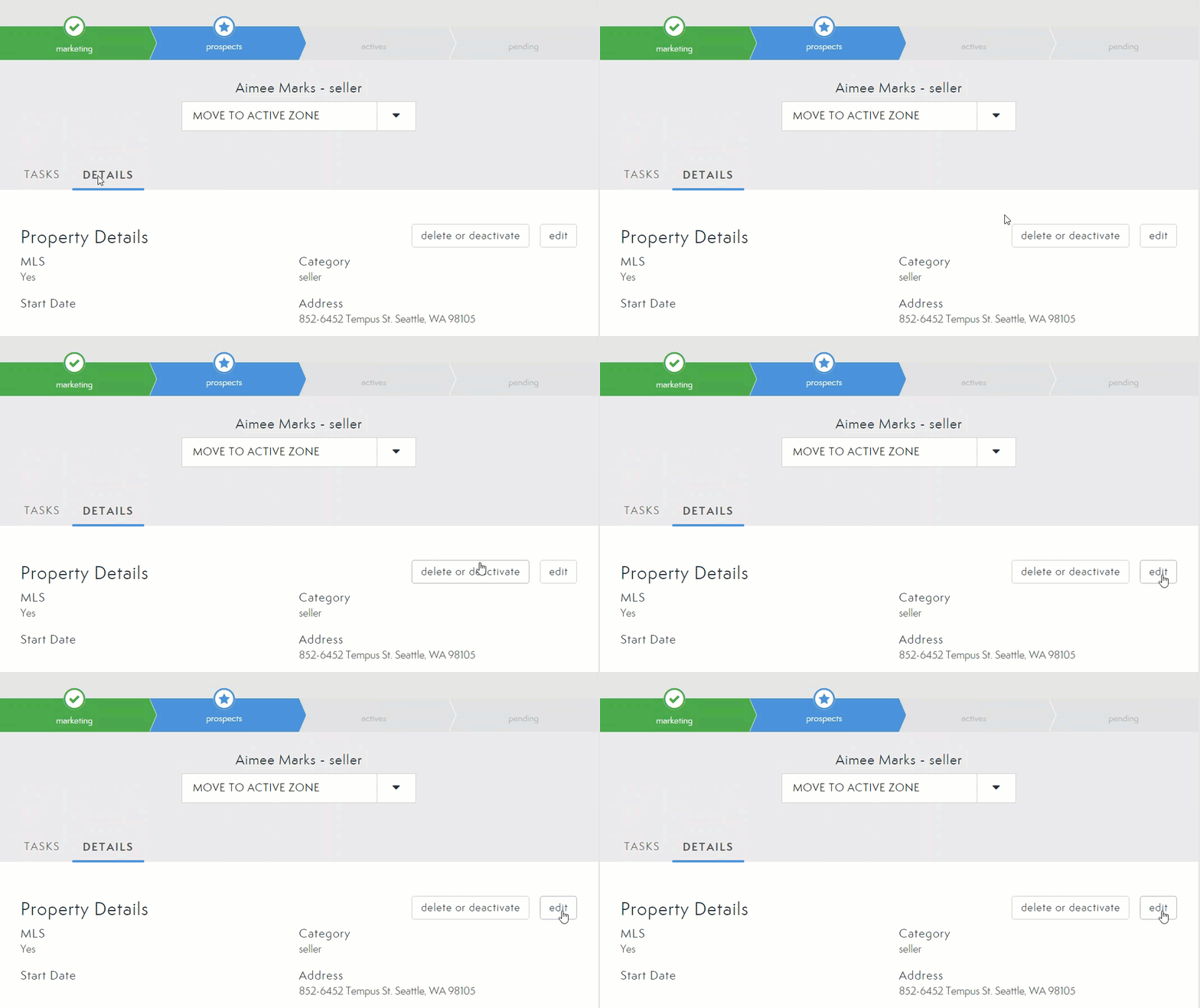
2. To edit any details in your transaction, select the Edit button.
3. Make as many edits as needed here including:
a. Transaction Type
b. Transaction Name

Listing Source (MLS v Non-MLS)
Address
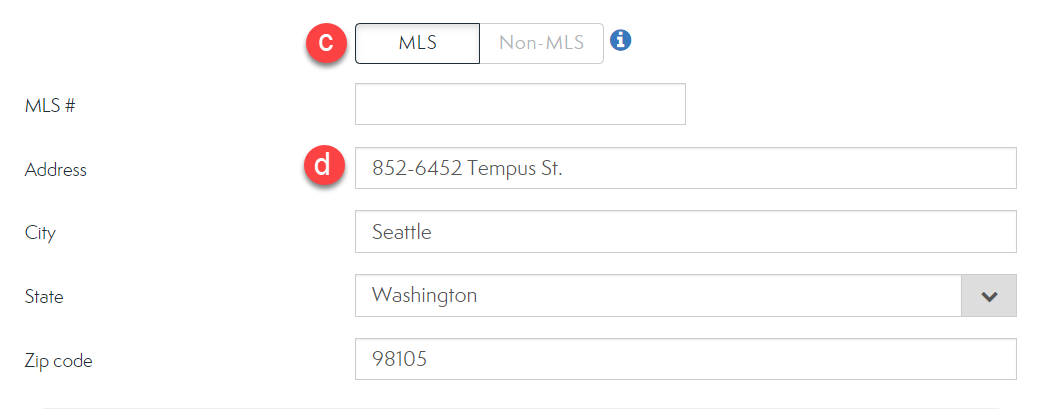
e. Price (Target or Range)

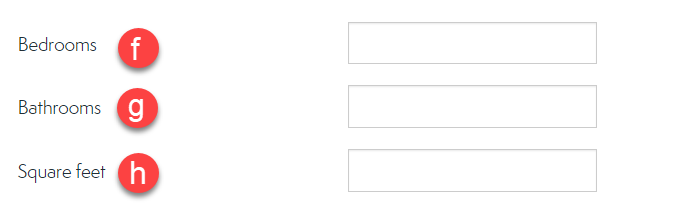
f. Bedrooms
g. Bathrooms
h. Square Footage
i. Commission

j. Associated People

k. DocuSign Transaction Room
l. Dotloop
m. Additional Details
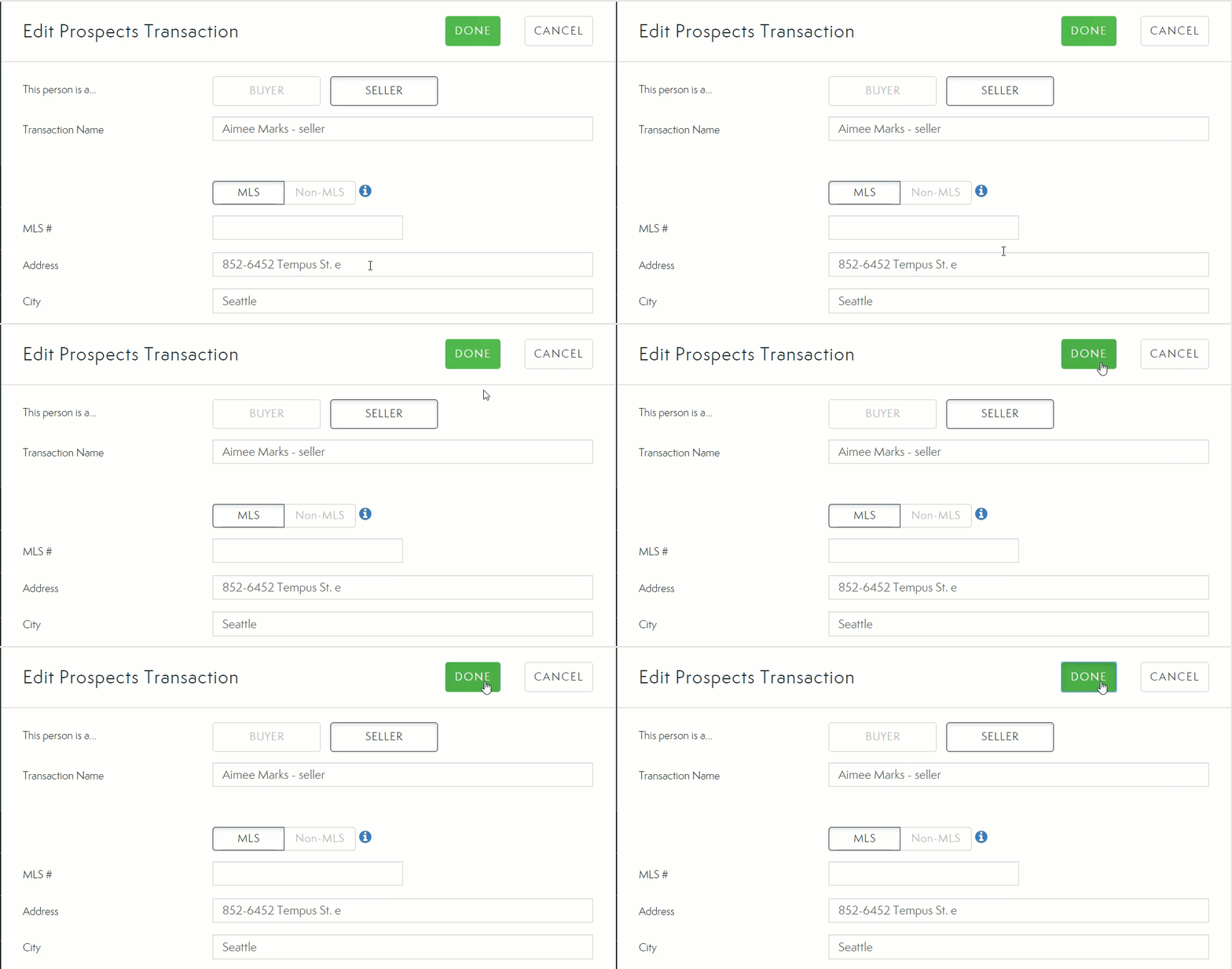
4. Select Done to save your changes.
Comments
0 comments
Please sign in to leave a comment.