To quickly print out your presentation without editing or waiting for it to load, print it from the MoxiPresent homepage.
From the Present homepage:
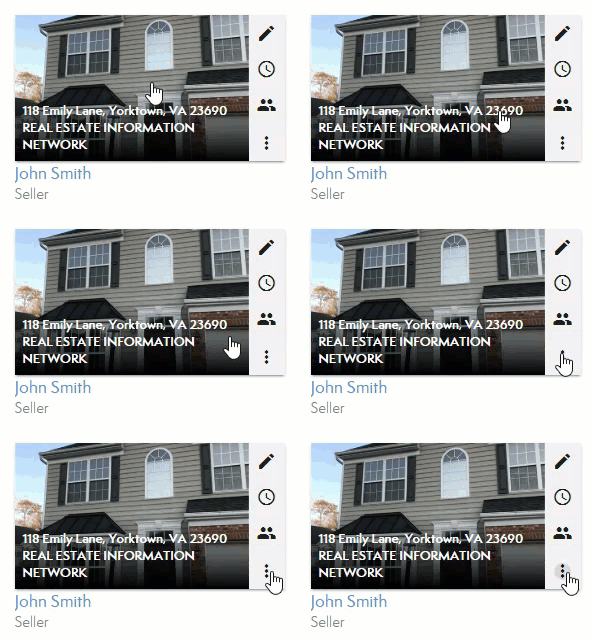
- Click the three dots on your presentation to open the presentation option menu.
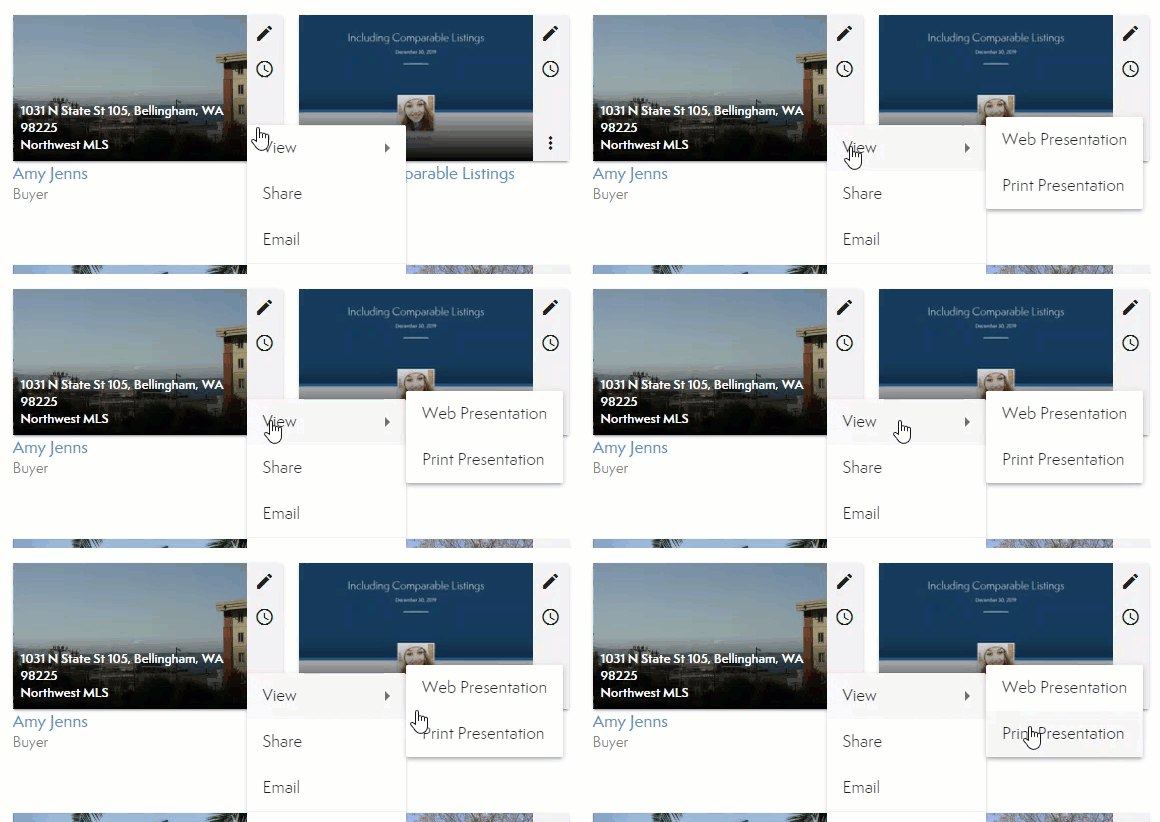
- Choose View from the list then select Print Presentation.
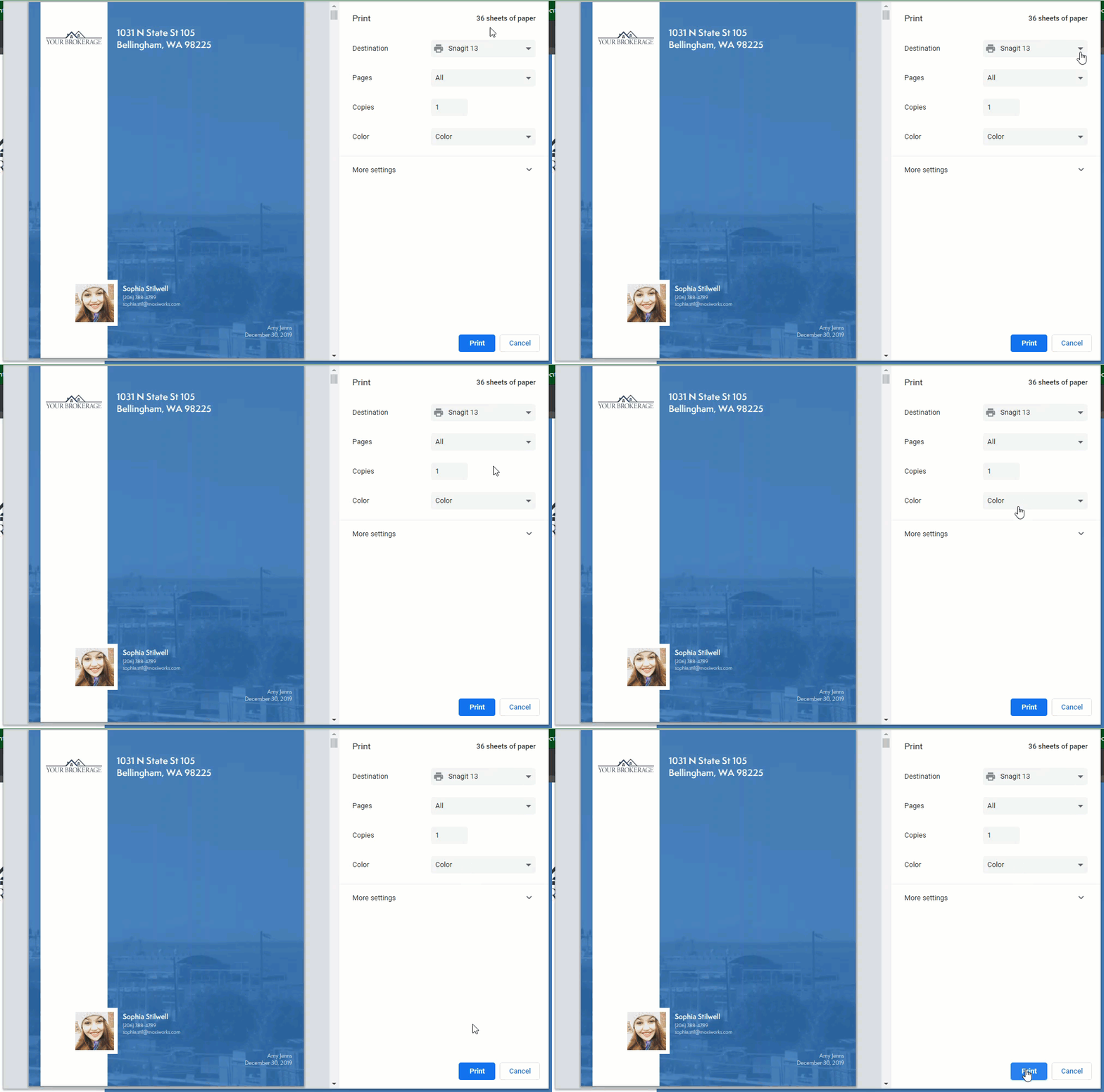
 A PDF version of your presentation generates for you to print.
  Note: we suggest downloading the PDF for the best print quality.
 - Print the PDF from your computer as needed.
Comments
0 comments
Please sign in to leave a comment.