Question:
How do I uncategorize a non-client contact in MoxiEngage?
Situation:
Sometimes, contacts need to be recategorized to a new section. For example, your friend, who you had categorized as personal, wants to sell their home with you so you would like to make them a Seller Prospect.
Answer:
- Go to the Client's contact card.
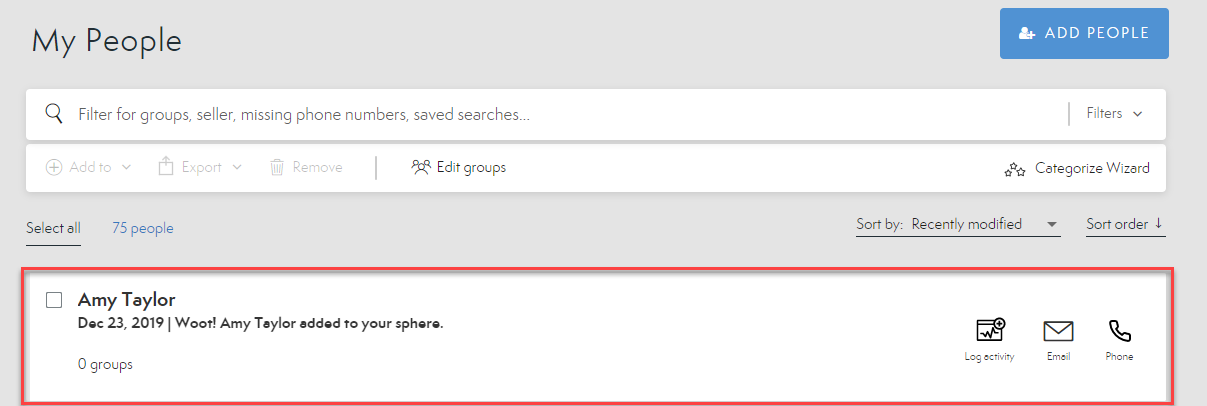
- Select Edit to make changes to the information.

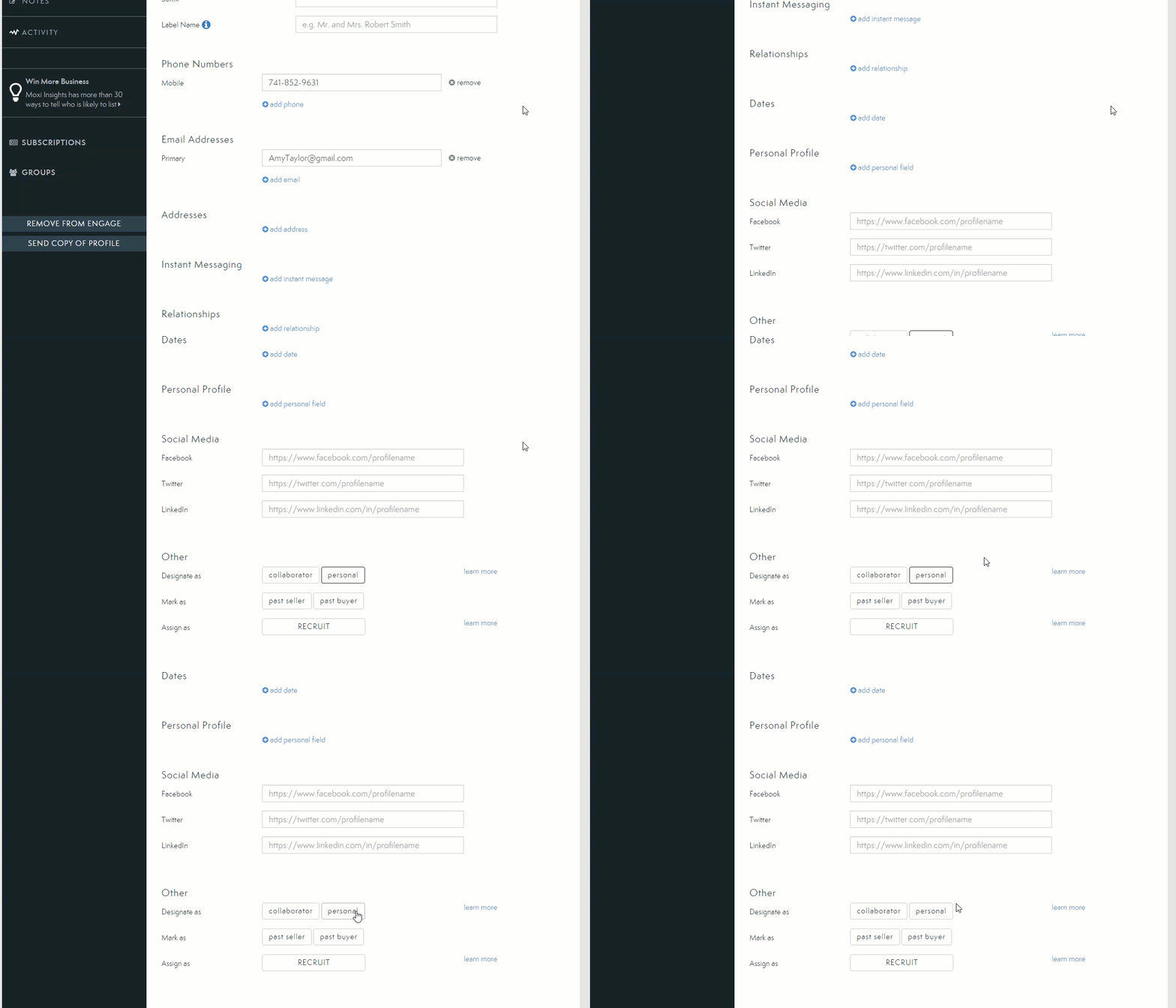
- Scroll to the bottom of the page and unselect the current designation.
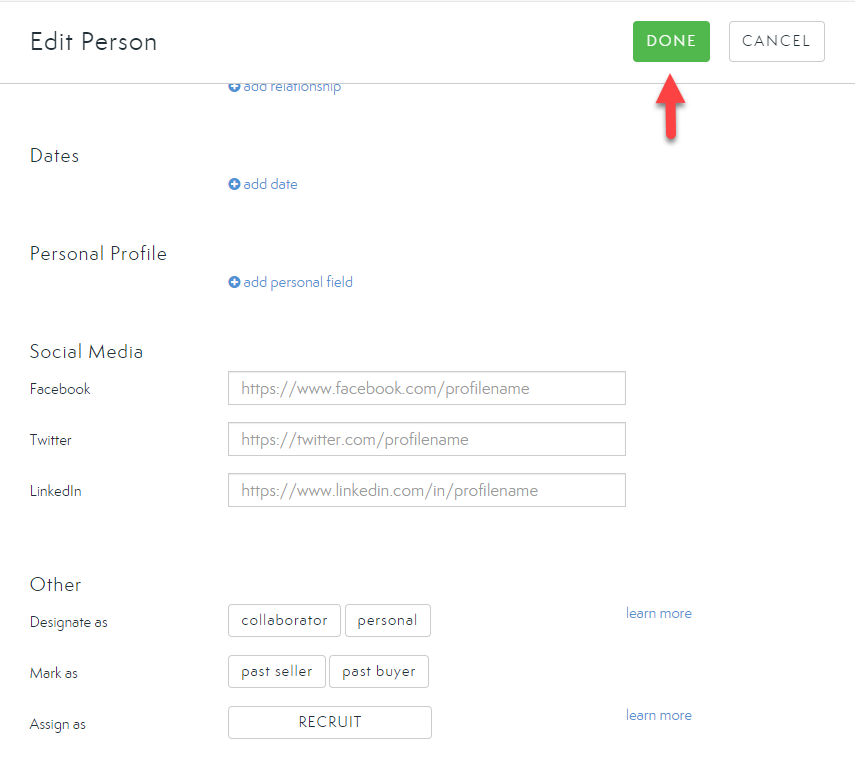
- Save changes by selecting Done.
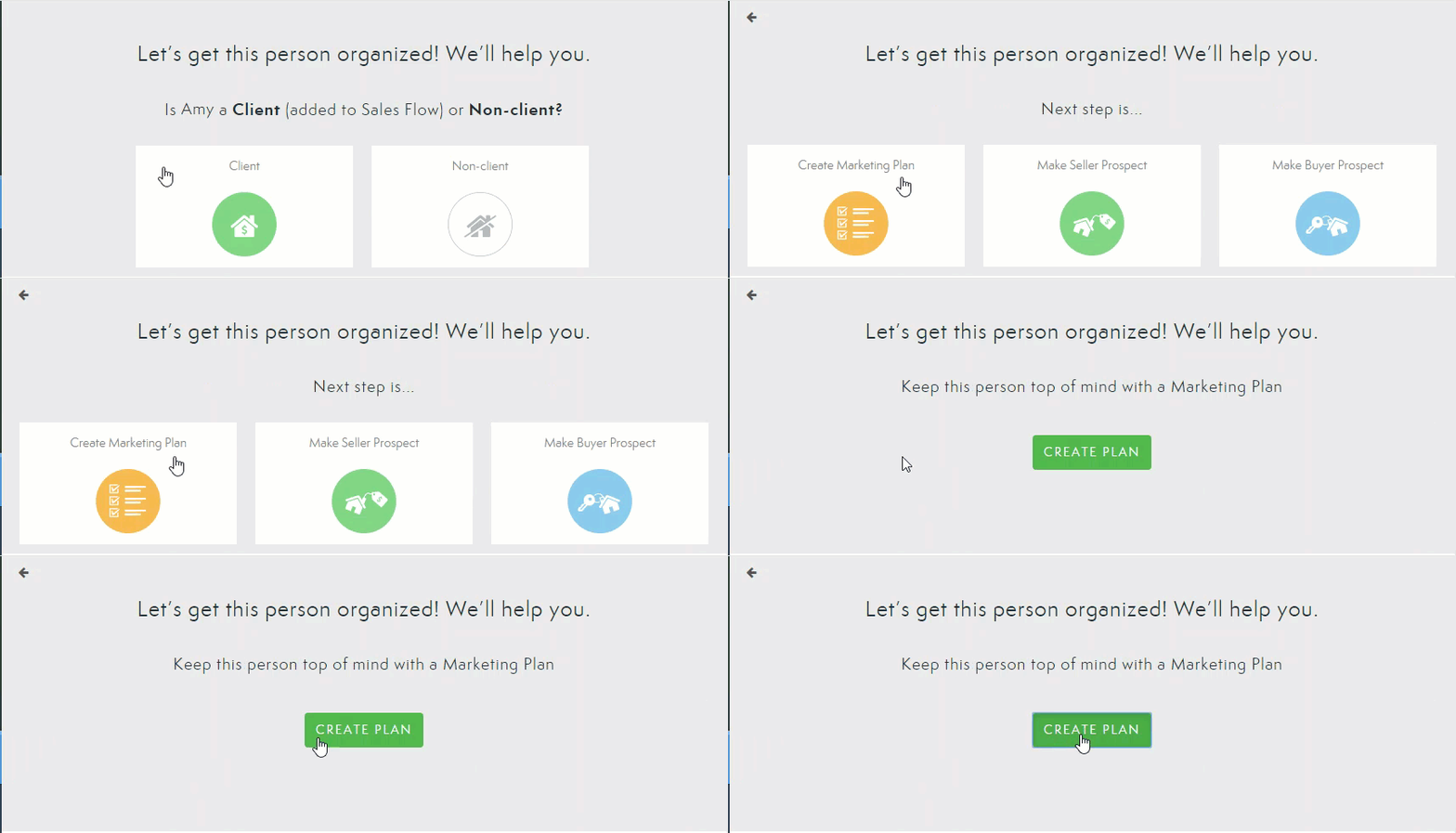
You will now have the option to re-categorize your contacts as needed. Simply choose which option works for your client.
Comments
0 comments
Please sign in to leave a comment.