| Click Here to Download the How-to Guide |
Moxi Present: Radius Search
- If you would like to confine your search to an area surrounding your subject property or other central location, select the Radius tool on the map.
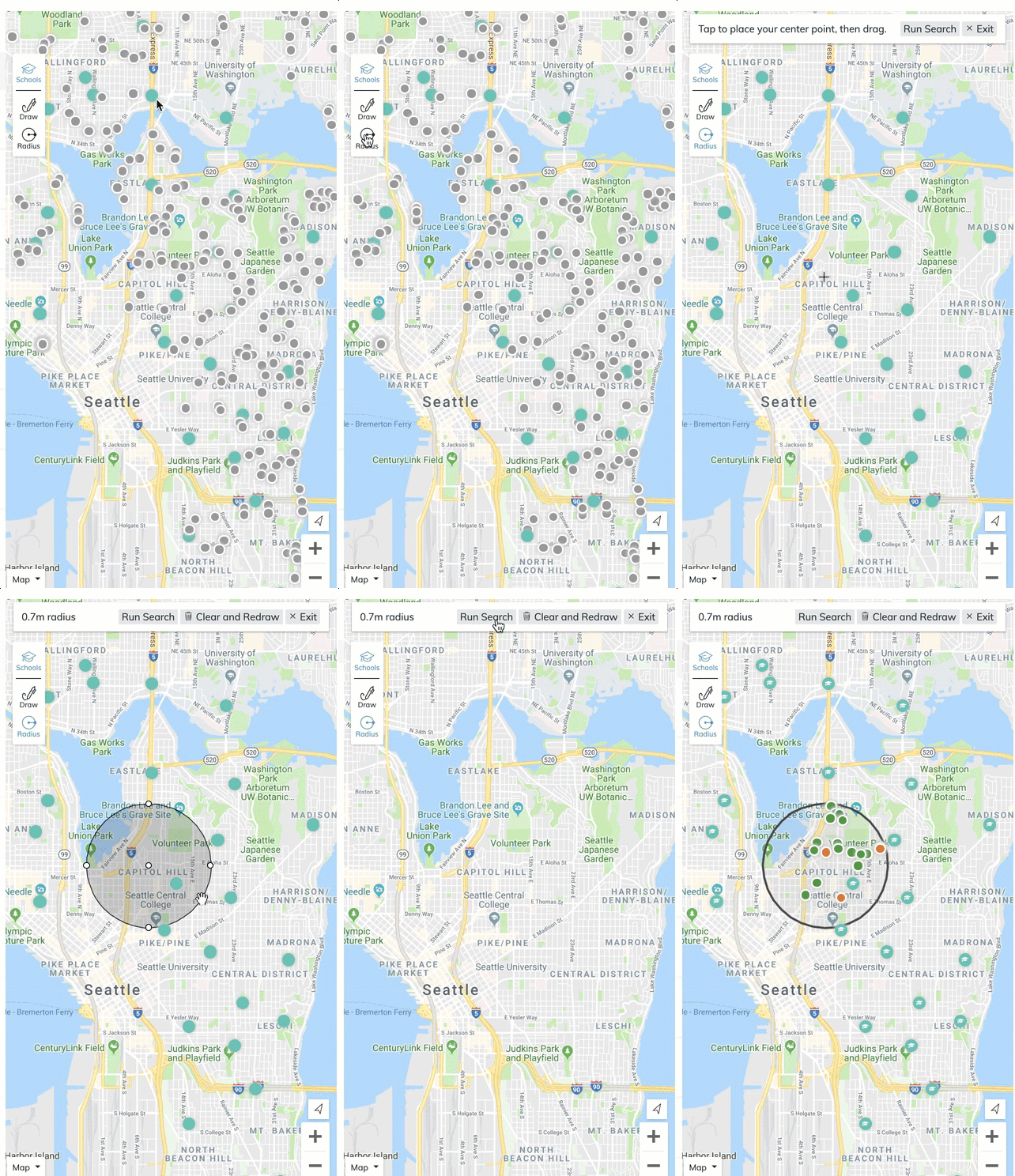
- Click and drag to how large you would like the radius to be.
- Select the Comps you would like to include in your presentation.
- Select Continue to go to the Comps Screen.
Comments
0 comments
Please sign in to leave a comment.