Creating regions and offices allows you to organize your brokerage, manage your people, and manage roles and permissions.
Adding a Region
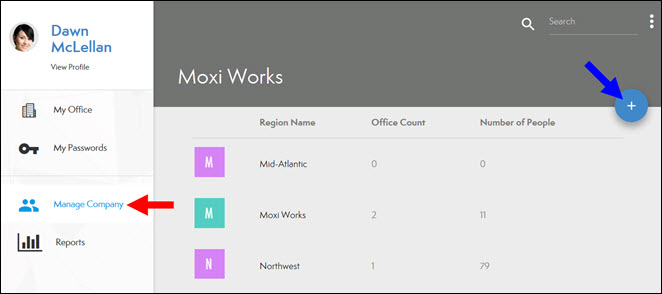
- From the Manage Company screen of the Roster, select the Plus icon (see below).
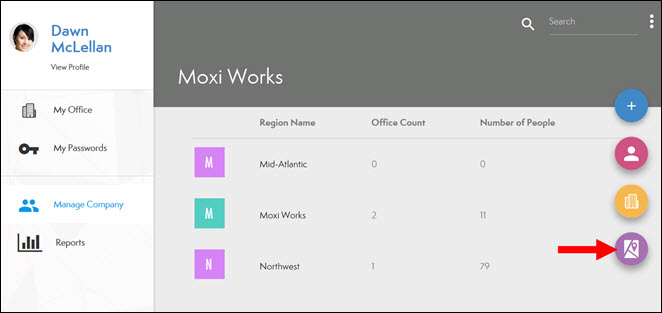
- Click the Region Icon (see below).
- Add Region details:
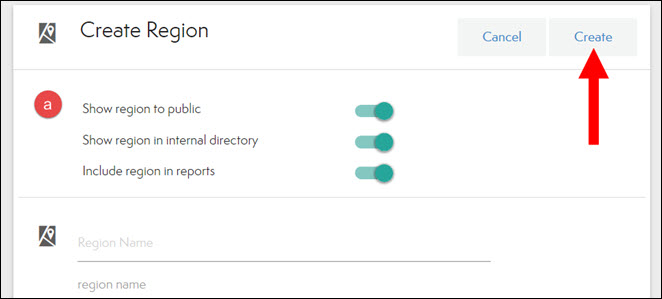
- VISIBILITY INFORMATION: All options are set to on by default.
- Click Create (see above).
Adding an Office
- From the Manage Company screen of the Roster, select the Plus icon (see below).
- Select the Office icon (see below)
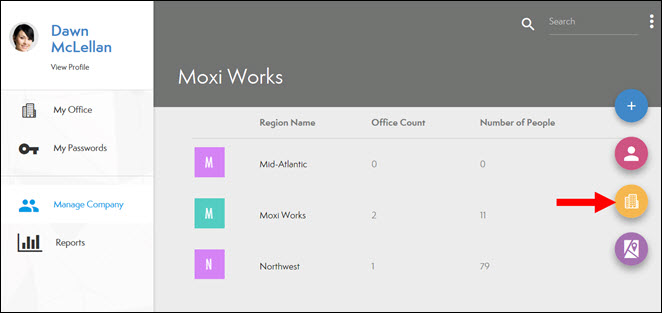
- Add Office details
- VISIBILITY INFORMATION: All options are set to on by default.
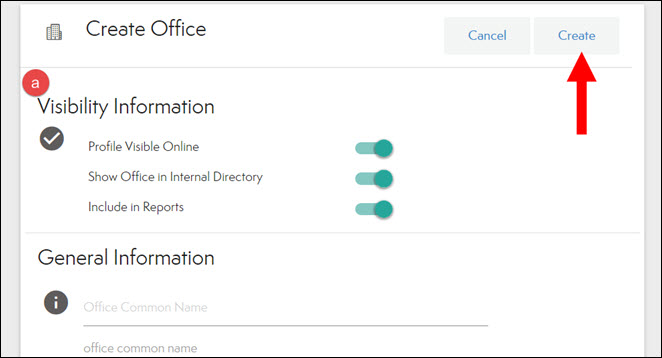
- Click Create (see above)
Comments
0 comments
Article is closed for comments.