As you begin moving your person through the Sales Flow, you may need to edit your transaction details such as property address, target price, or commission rate.
To edit a transaction, follow the steps below:
- Select the person and their transaction that you would like to edit Flow. In this example, Ahmed Meyers is selected (see above, indicated by the red arrow)
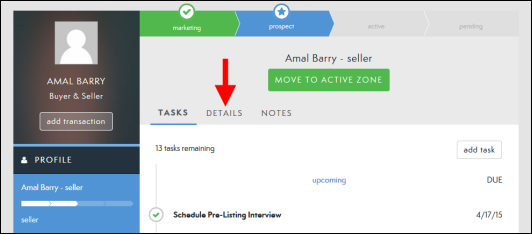
- This brings you to the Profile Page for the selected person (see below).
- Click the Details tab (see below, indicated by red arrow).
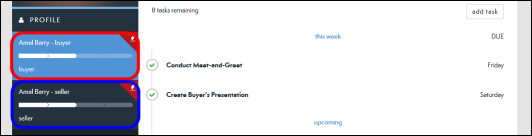
- NOTE: If this person has multiple transactions, select the appropriate transaction and then click Details. In the example below there are two transactions associated with this person. A Buyer (see below, circled in red) and a Seller (see below, circled in blue).
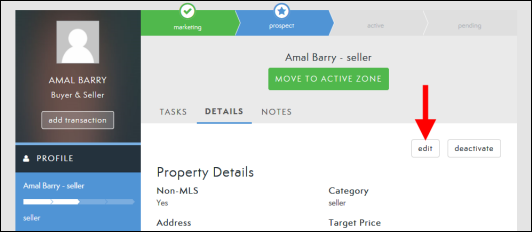
- Click Edit (see below, indicated by red arrow).
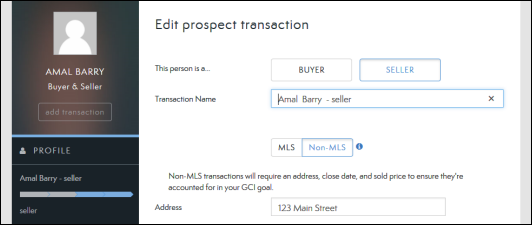
- Edit the fields you would like to change (see below).
- Click Done (see below, indicated by red arrow).

Comments
0 comments
Article is closed for comments.